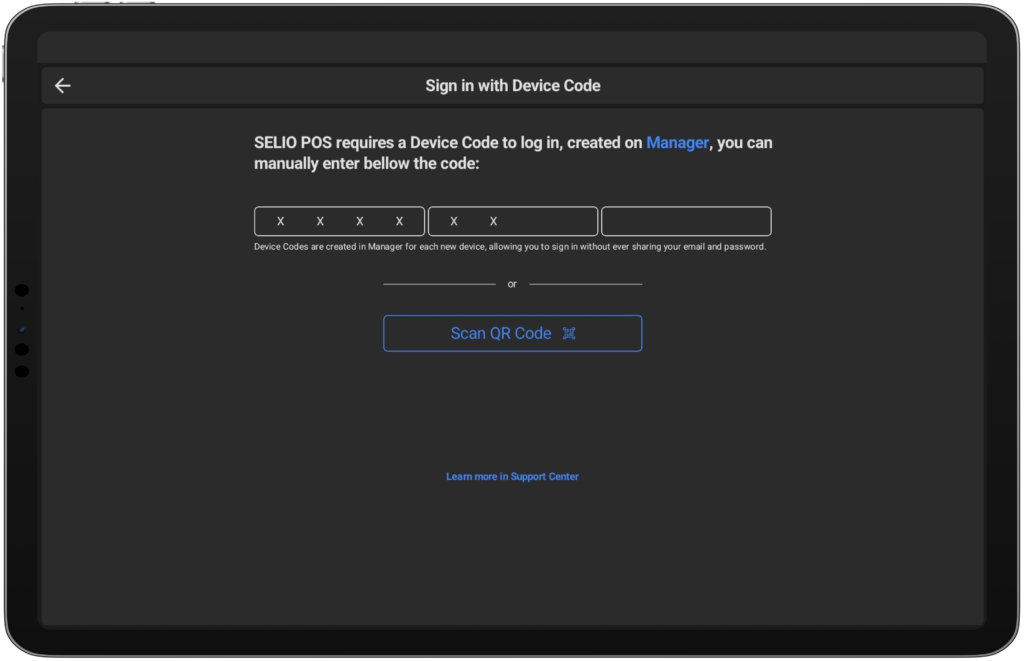
When opening the app for the first time, enter your 12-character device code (format: XXXX-XXXX-XXXX) generated in Selio Manager.[Get your device code here].
Grant all required permissions for the app to work smoothly.
Login in Selio App
Step 3:
Log In
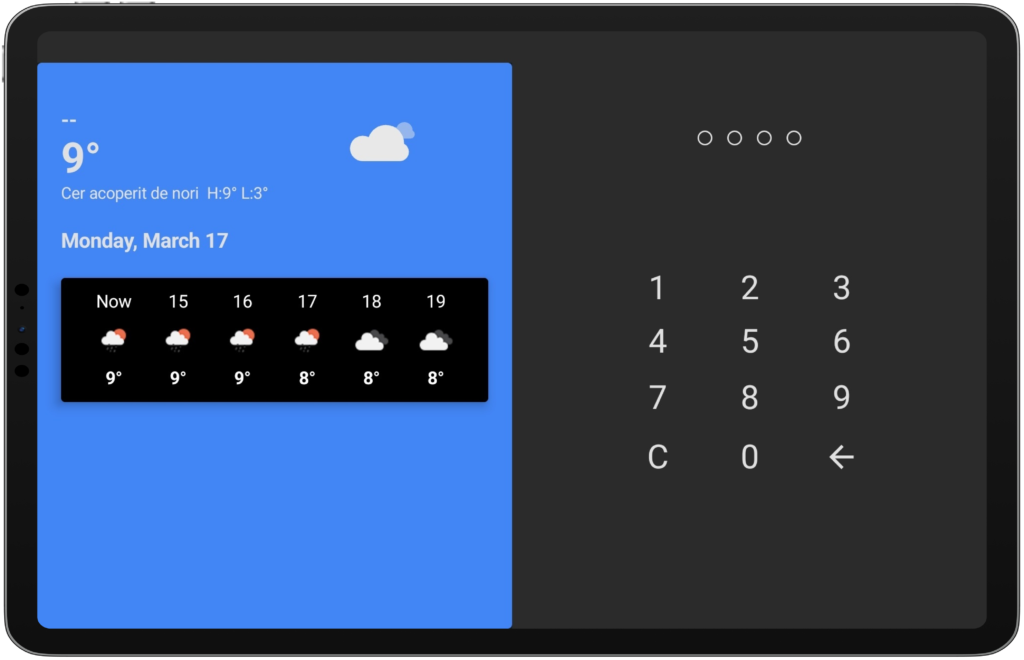
Make sure each user has a PIN code, created in Selio Manager. [Set up PIN here].
Use your PIN to log in to the app.
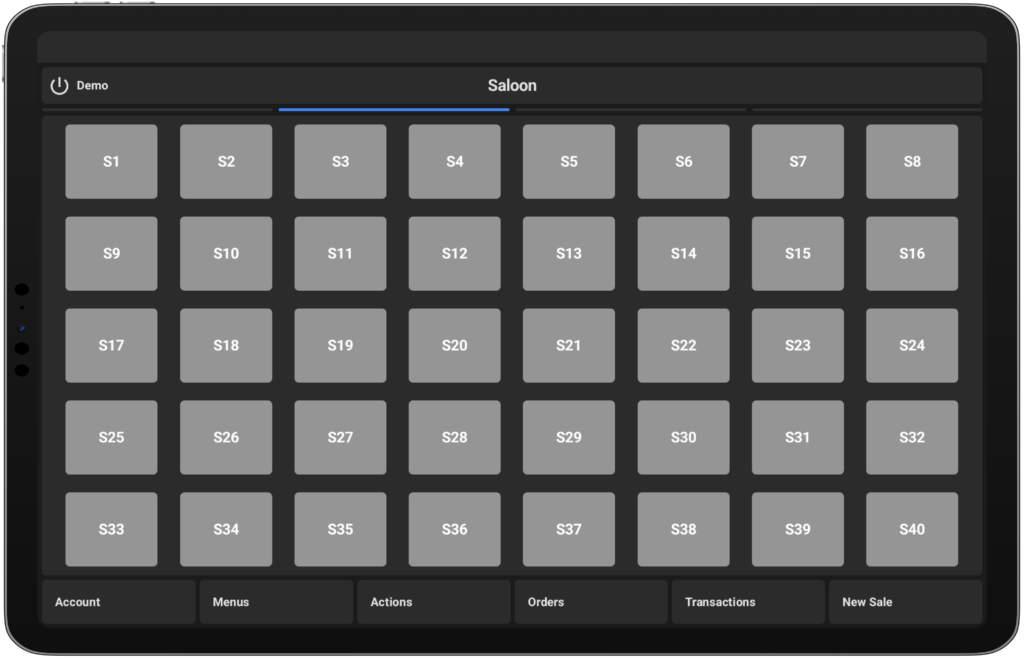
Once logged in, your username will appear at the top-left corner of the screen.
Log-out
In order to log out, press the button next to the username.