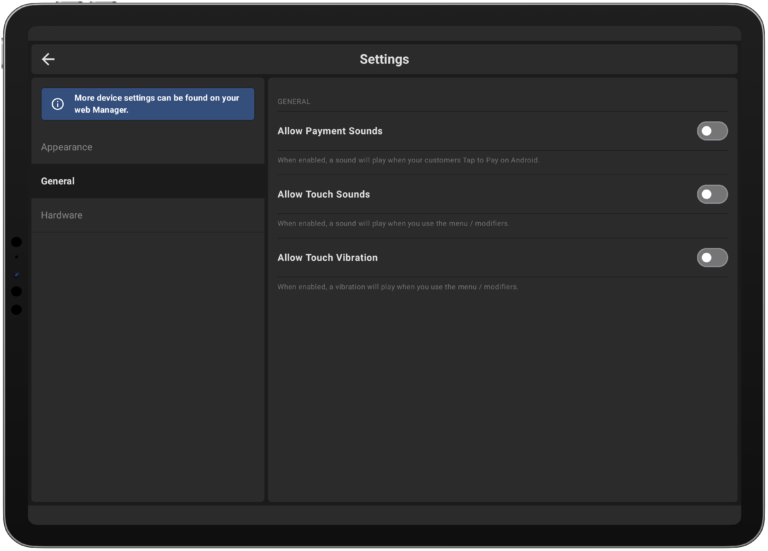
You have the option to customize the application according to your preferences by setting the device’s theme and sounds.
To choose between White or Dark Theme go to Account -> Settings -> Appearance

To enable or disable sound and haptic feedback go to Account -> Settings -> General