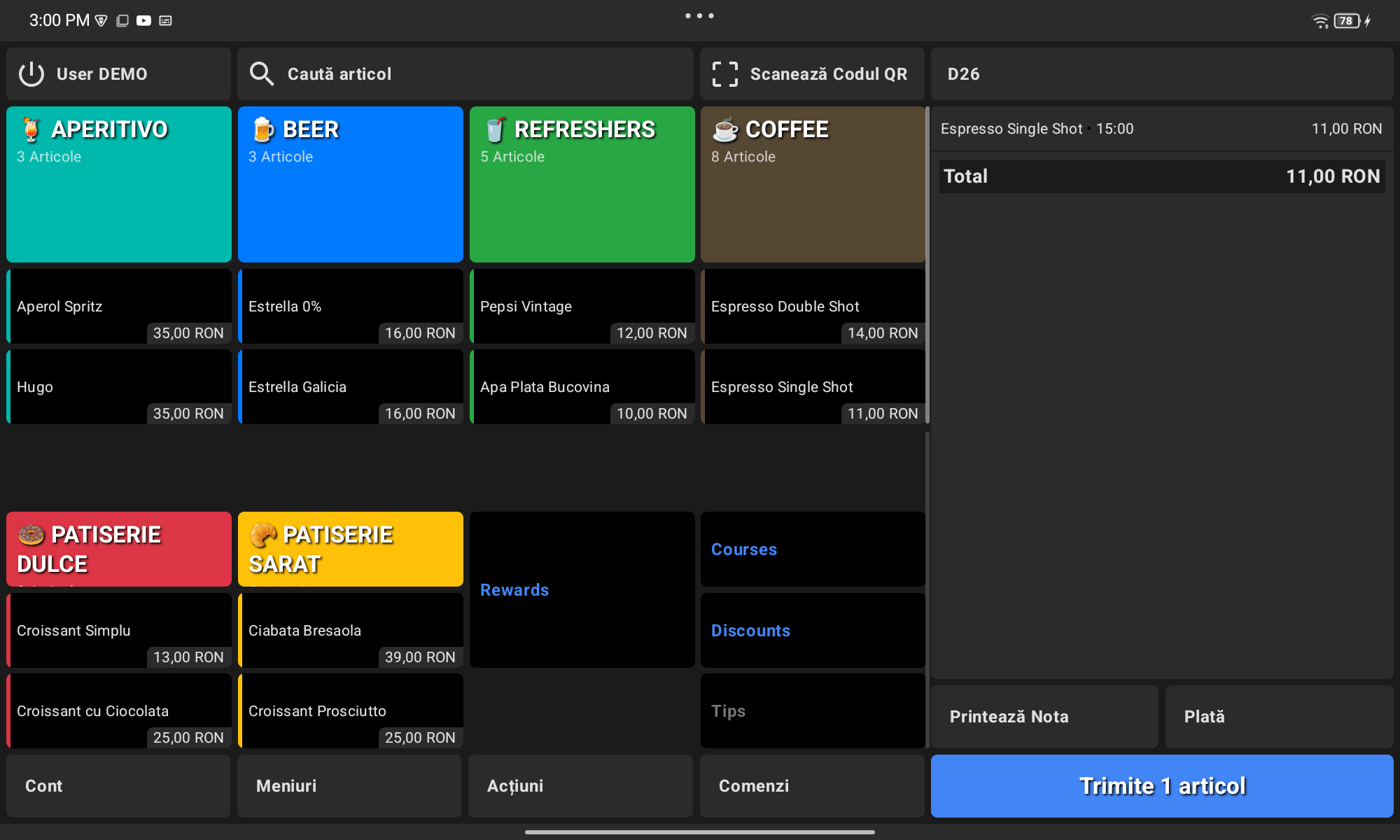
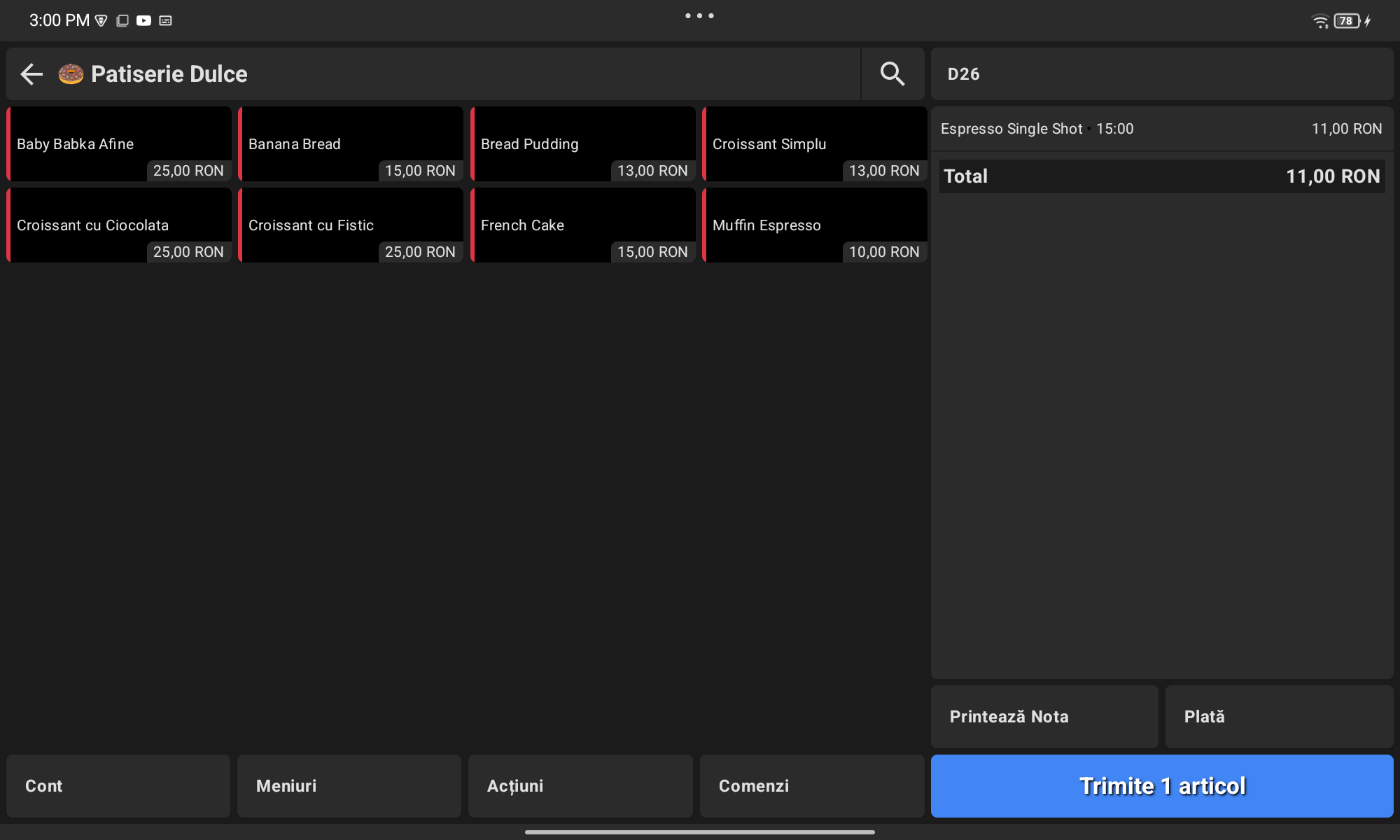
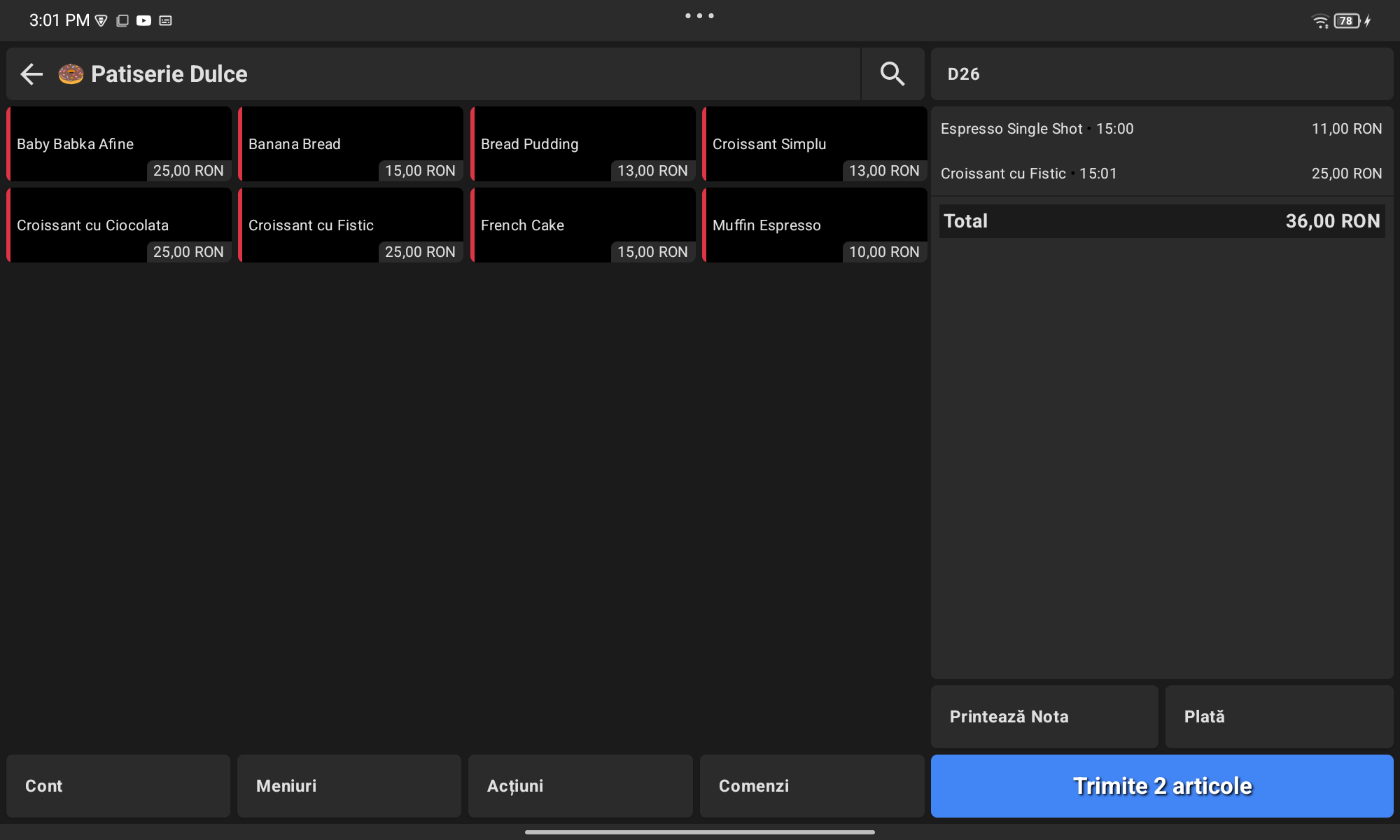
Selio for Restaurants is an all-in-one platform for efficient restaurant management. It helps you handle orders, bills, payments, sales, and financial reports – all in a fast and intuitive way.

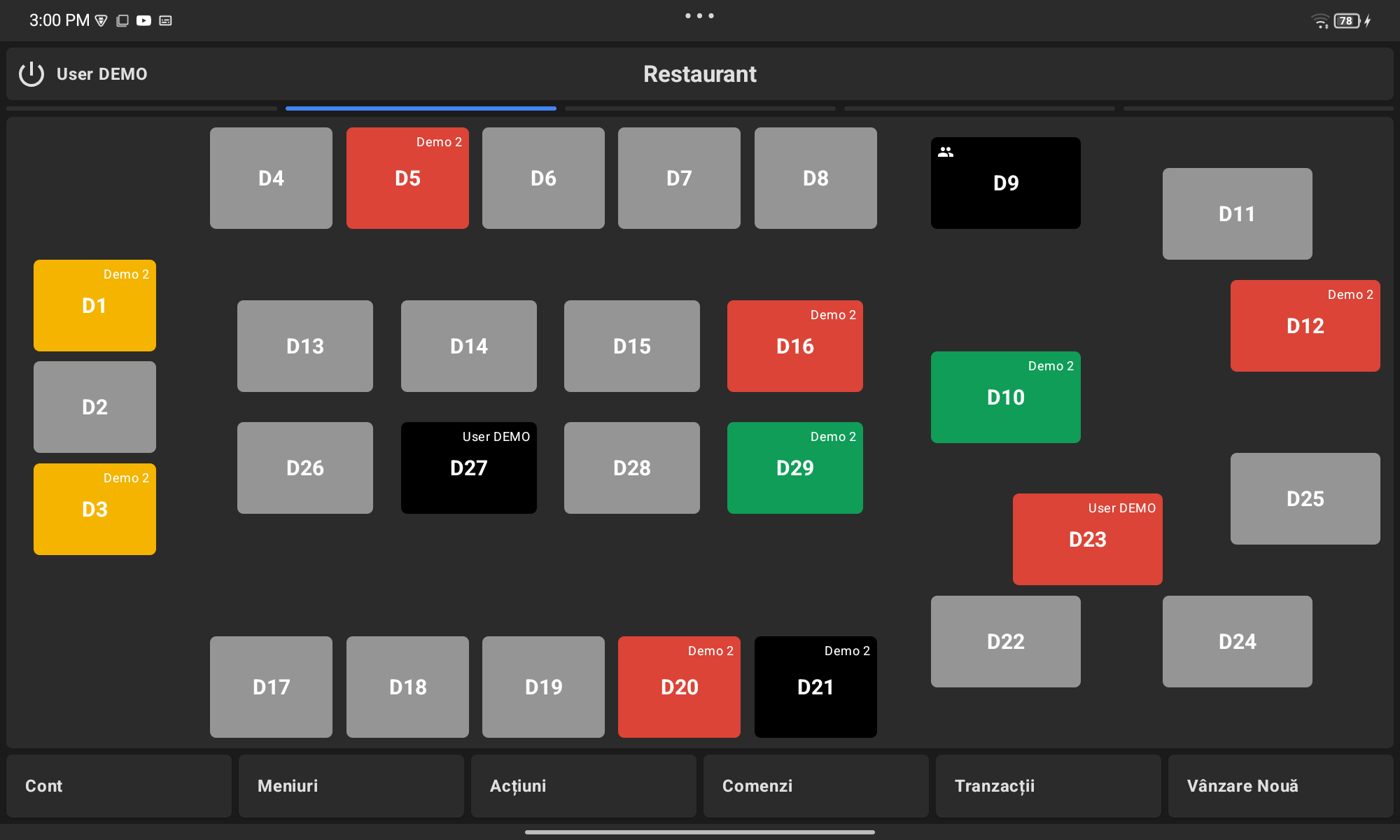
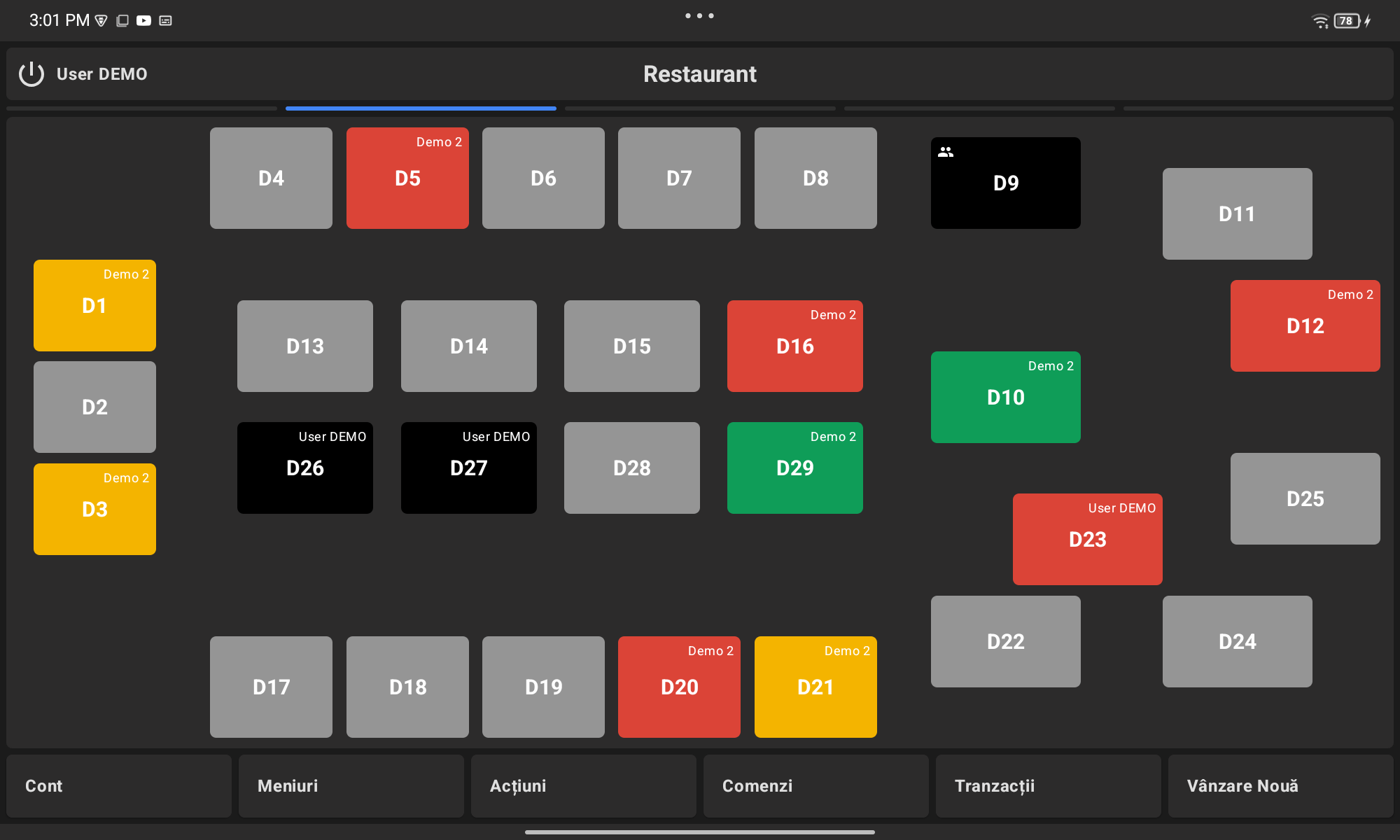
When you log in, you land on the Table Zones screen. This is your live overview of all active tables, neatly organized by zones (e.g., terrace, bar, rooftop).
The Account section is where you’ll find key management tools for sales, reporting, and day-to-day operations:
Get real-time insights on open/closed tables, total revenue, and customer counts. All sales data updates instantly as transactions happen.
Access detailed reports by day, week, month, quarter, or year. These reports show sales performance across all users and can be printed or emailed.
Review all completed payments, including amount, date, time, and payment method.
Move items between tables or reassign tables to different staff members easily, helping to maintain smooth service.
Finalize daily operations with an end-of-day report summarizing sales, closed tables, and revenue.
Generate official fiscal reports:
Customize the app to fit your needs:
Quickly access our Support Center for troubleshooting, FAQs, and customer service options.
In the Menus section, you can easily update your restaurant’s offerings to ensure your menu stays current and aligned with your service.
This section simplifies daily operations with these tools:
Monitor real-time order statuses (available when using KDS integration).
You can also manage payments directly from the Table Zones screen, offering the same functionality as in the Account section for fast access.
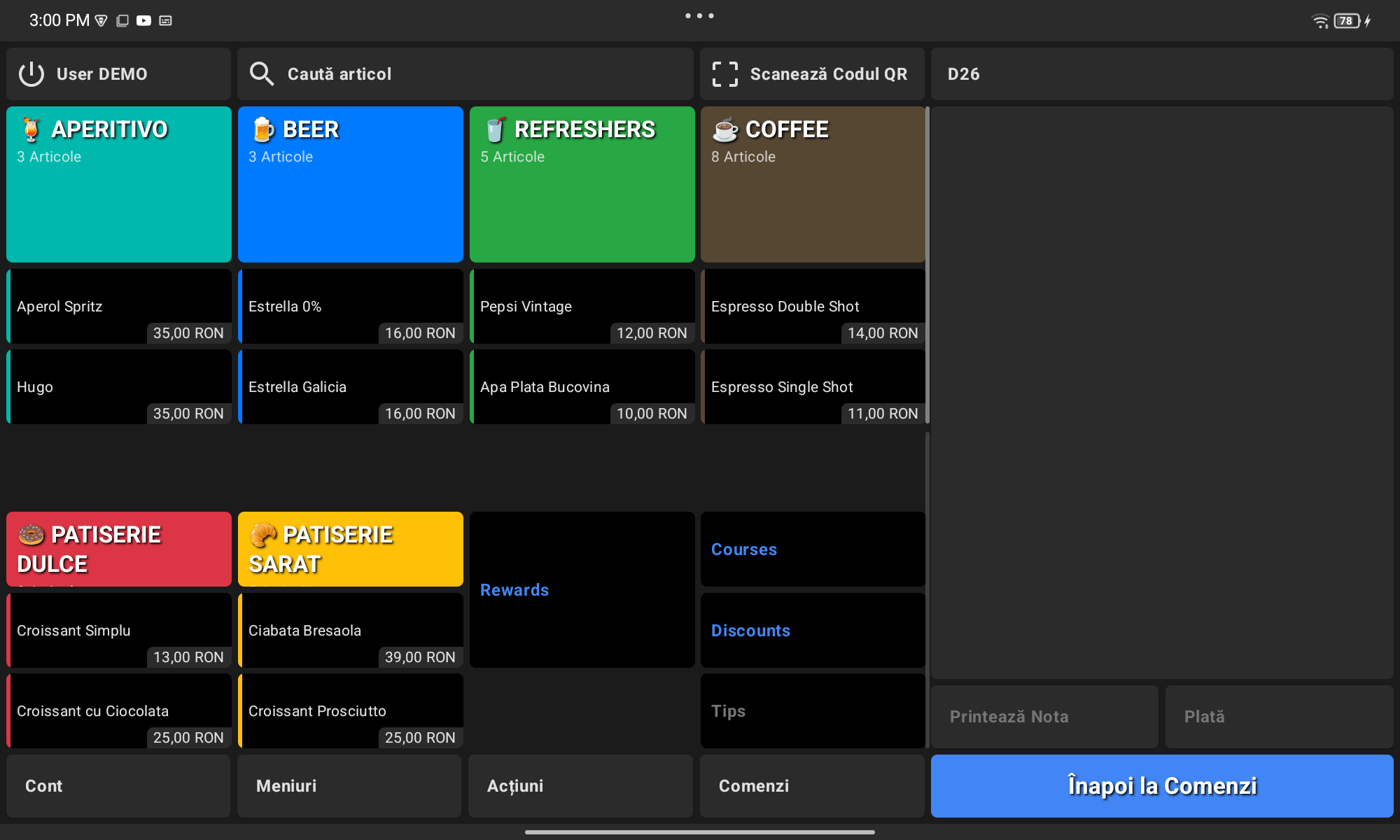
Open a new table and begin a new order effortlessly using the New Sale option.